

























Discover how leading teams are automating business development with real use cases from our customers.

Touch base with existing clients
“This automation can find clients that have an active job and send them an email once every 13 weeks.”
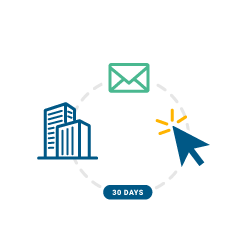
Website clicks
“Our sales staff get a notification to contact those clients who are in our system and have visited our website in the last 30 days.”

Interview follow up process
“We ask the client and the candidate how the interview went and nudge along the process, are we offering the job to the candidate, etc. The people that don’t get offered, we ensure they don’t slip through the net and talk about other opportunities with them.”

Lapsed client automation
“We sent this for all clients who’ve had no contact since 2022.”
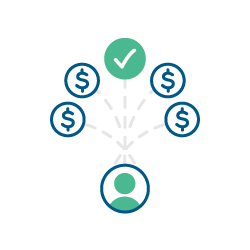
Cross-selling
“We cross-sell to our clients where they have used our services for recruitment in other divisions where we haven’t supported them.”

Contractor redeployment notification
“This automation sends a reminder to reach out to your contractor and client six, four, and two weeks prior to contract end date so you can arrange an extension or redeploy the contractor elsewhere.”
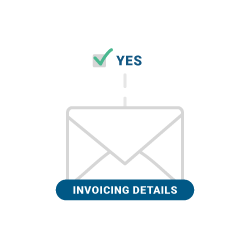
Field trigger
“When consultants select ‘yes’ on a specific field against a job in Bullhorn, an email is sent to the client to confirm details for invoicing to speed up the process of invoice creation and payment.”
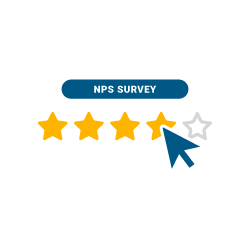
NPS journey
“We do this for both clients and candidates after placements have been approved, including review requests and referral requests.”
Account management automation
“This enables AMs to reach out to clients once per quarter.”
Get a tailored demo or speak to a member of the team to learn more
Contracts coming to an end
“We created two automations for contracts that are about to expire. The first one goes out to candidates eight weeks before the end date of the contract with a survey asking if they are looking for opportunities. Statuses get changed, and alerts are sent to the consultants based on the answers. A second round of emails goes out for candidates that didn’t engage. The second automation goes out to…” Read more

Client engagement
“We have implemented an automation that allows clients to take an engagement (on the run up to their contract ending) to let us know if they would like to extend the contract with their current contractor that we placed them with, or if the project has finished. This has proven to be very efficient and saves time for our sales 180 recruiters and 360 recruiters.”

Performance engagement
“I have recently set up a five question performance engagement survey that is sent to the placement sales contact when a temp placement ends. It is a date automation that triggers the day after the placement end date. The main reason is to monitor the temp’s performance, but the last question is ‘would you re-engage?’, and that is to generate data for future sales/placements. So far,…” Read more
No jobs in a month
“Simple automation to notify consultants and their manager that a key client of theirs has not registered a new role in four weeks, plus a prompt to follow up.”
Past contractor engagement
“We have set up an automation that enables engagement with previously placed contractors who have not been on placement with us for the past one year.”
Identify clients at risk
“We have implemented a client nurturing programme, whereby we ensure a notification is sent to the relevant consultant to get in touch with their contact if there has been no note added to Bullhorn in three months, but a placement had been made within the previous 12 months.”
Back door hire checks
“I implemented an automation to build a hotlist for the leadership team to check for potential back door hires that had happened. The automation looked at candidates who had interviewed, but were not placed between three and six months ago. They were added to a ‘back door check’ hotlist.”
Prospective client intro
“We were provided with a list of members for a network group of ours. We set up an email automation chain and followed up if there was no reply. We may go further by then adding a task for the contacts we’ve not heard from.”