


























Browse proven data hygiene automations used by Bullhorn customers to keep their databases clean and efficient

Archive retired candidates
“This finds candidates that have indicated they have retired and archives them from the candidate database.”

Data integrity when a candidate email bounces
“This alerts someone internally when a candidate has a hard or soft bounce from an Automation email send.”
Updating status of live contractors and past contractors
“When a contractor completes a placement, an automation is triggered to update their status. This ensures we get more accurate information in our database which helps in future redeployment.”

Archive candidates with bogus contact details
“This archives candidates without @ symbols in their email address, TBD, or any other fillers commonly used by recruiters, and ones who either don’t have a phone number or who have a phone number that is invalid. You could also apply the same concept to candidates with obviously fake first names/last names.”

Candidate registration follow ups for missing data
“Find newly created candidates that are missing key information (like phone number, email, salary/payrate, category, job title, etc.) and alert someone internally.”
Administration automations
“This automation identifies missing key data when candidates are registered to help ensure other automations run more accurately.”
Missing data after pre-screening
“This automation checks if all required fields are completed after the first conversation with the candidate and, if not, adds the task to the corresponding consultant.”

Pipeline date reminder
“An internal notification automation is set up to remind consultants to keep their vacancy start dates and open/closed statuses updated. This improves our pipeline value reporting.”

You can’t rely solely on recruiters to capture candidate information. If you’ve got an automation running in the background that is also double, triple checking everything you’ve got, and gives candidates the opportunity to self serve, that is only ever going to be a win for you
Richard Caldicott
CEO & Founder, Caldicott Consulting
Get a tailored demo, or speak to a member of the team to learn more.
GDPR consent
“Every candidate added to Bullhorn receives an email with an engagement. The email is a brief intro, and then for GDPR, they are asked if they’re happy for us to store their details and/or be contacted via email, phone, SMS, or mailshot. Each answer feeds back into the relevant field in Bullhorn, and the response is also sent as a notification to the relevant manager/candidate owner. If they do not give consent…” Read more

Candidate drop out
“When a candidate drops out, it’s common that at the moment, the consultant isn’t too pleased and leaves the candidate’s status as placed; we never contact placed candidates regarding new vacancies as they’re opted out of mailshots, so if left as placed, they are, in effect a dead candidate. So the automation sends a notification to the candidate owner two weeks after a ‘drop out’ note action was…” Read more
Build your candidate profile
“Challenge: we have a client base that requires a mixture of temporary trades and labour candidates. A large number of labourers do not have CVs, but we are often required to submit to our clients. It is time-consuming for the consultants to build out CVs for the candidates prior to submitting them to the client.
We have built an…” Read more
Candidate location survey
“We created an automation with a survey asking where the candidate’s preferred location to work is. For our regional teams, this has been a game changer, speeding up their searching for candidates in the area they recruit for.”

No activity on a job
“A notification email is sent to job owners and their manager if there was no activity on the job for more than two weeks. That’s to be able to ask the question as to why there was no activity as well as to remind people to close the job if they were not closed. This is very helpful for analytics, understanding what we have in play, and data health.”
Update candidate details
“This automation targets candidates with no action on their records (notes, CV sends, interviews) within the last 3-4 months to send them an engagement to complete. The information they provide is updated in their Bullhorn record.”

Surveys to past candidates
“We send emails to old candidates to request they update their information. This way, our data stays up-to-date.”
Candidate status update
“This automation allows a status update which is triggered by the note type logged.”
Birthdays, reminders, check in calls, feedback loops

Update university email addresses to personal
“This help to take manual admin work away from recruiters.”
City clean up
“Changing suburbs of cities to the great region i.e. updating Brooklyn to New York. This helps bring up a greater number of relevant candidates when doing a Bullhorn search.”
City clean up
“We have made an automation to move every suburban area in the U.S. to be automated to just the larger city, making it easier to search.”

Reassign owner if owner becomes inactive
“If the owner of a contact record becomes inactive, we have implemented automation to reassign this to the correct person. This helps us make sure candidate records are maintained and kept up with.”
GDPR
“We request GDPR from newly added candidates (recruitment and marketing).
We add consent items and manage relevant fields for marketing purposes (especially opt-out if consent for marketing not given).
The automation resends if an answer is not provided, and alerts the consultant if consent is not given…” Read more

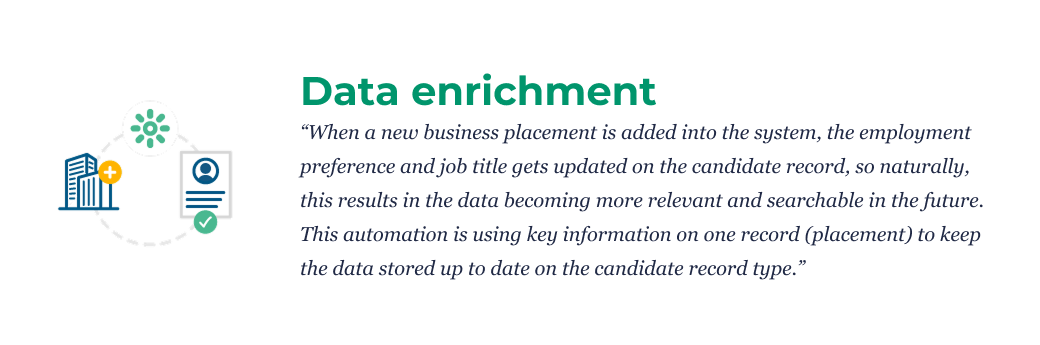
Data enrichment
“When a new business placement is added into the system, the employment preference and job title gets updated on the candidate record, so naturally, this results in the data becoming more relevant and searchable in the future. This automation is using key information on one record (placement) to keep the data stored up to date on the candidate record type.”

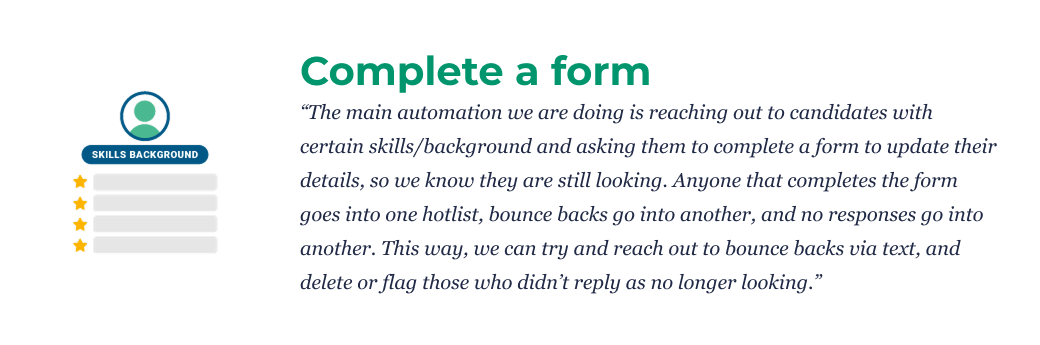
Complete a form
“The main automation we are doing is reaching out to candidates with certain skills/background and asking them to complete a form to update their details, so we know they are still looking. Anyone that completes the form goes into one hotlist, bounce backs go into another, and no responses go into another. This way, we can try and reach out to bounce backs via text, and delete or flag those…” Read more
Postcode clean up
“When the postcode is incorrect or does not exist, it can be updated through automation which greatly improves the radius/location searching.”
AVG check
“This helps us to get the GDPR updated every year, eliminating the need to send the email and update every candidate manually.”